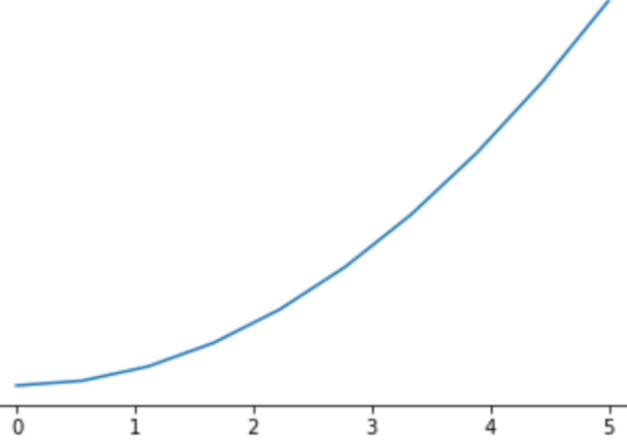
 matplotlib绘制曲线并输出矢量图
参考文章:
matplotlib show, ion, ioff, clf, pause 的作用 (opens new window)
如何在 Matplotlib 中设置图形标题和坐标轴标签字体大小? (opens new window)
代码:
import matplotlib.pyplot as plt
import numpy as np
# 显示中文
from pylab import mpl
mpl.rcParams['font.sans-serif'] = ['FangSong']
mpl.rcParams['axes.unicode_minus'] = False # 解决保存图像是负号'-'显示为方块的问题

# 设置字体大小
parameters = {'axes.labelsize': 20, 'axes.titlesize': 20, 'legend.fontsize':14}
plt.rcParams.update(parameters)

fig = plt.figure()  # an empty figure with no axes
# fig.suptitle('No axes on this figure')  # Add a title so we know which it is

# fig, ax_lst = plt.subplots(1, 1)
plt.xlim(left = 0, right = 5)
plt.ylim(bottom = 0, top = 5)
plt.xlabel('奇异值', fontsize=20)
plt.ylabel('函数值', fontsize=20)

x = np.linspace(0, 5, 100)
y_r_0_1 = [1.1 * _x / (0.1 + _x) for _x in x ]
y_r_0_5 = [1.5 * _x / (0.5 + _x) for _x in x ]
y_r_1_0 = [2 * _x / (1 + _x) for _x in x ]
y_nuclear = [_x for _x in x ]
y_rank = [1 for _x in x ]

plt.plot(x, y_r_0_1, 'm')
plt.plot(x, y_r_0_5, 'g')
plt.plot(x, y_r_1_0, 'r')
plt.plot(x, y_nuclear, 'c')
plt.plot(x, y_rank, 'tan')
plt.legend(['$\gamma$=0.1', '$\gamma$=0.5', '$\gamma$=1', '核范数', '秩'], fontsize=14)
fig.show()
plt.pause(3)

fig.savefig('./comparison.pdf',dpi=600)
fig.savefig('./comparison.png',dpi=600)
1
2
3
4
5
6
7
8
9
10
11
12
13
14
15
16
17
18
19
20
21
22
23
24
25
26
27
28
29
30
31
32
33
34
35
36
37
38
2
3
4
5
6
7
8
9
10
11
12
13
14
15
16
17
18
19
20
21
22
23
24
25
26
27
28
29
30
31
32
33
34
35
36
37
38
上次更新: 2023/12/16, 09:22:46